
Important Update: From Nov 1, 2026, the Branch-based Debit Card transfers to India using a non-ICICI Bank UK Debit Card will be discontinued for customers without an ICICI Bank UK Personal Current Account. To continue sending money to India with us, open an ICICI Bank UK Personal Current Account or register for Money2India UK.
✕

Safe Banking solutions and tips
How to protect yourself
Money Mule
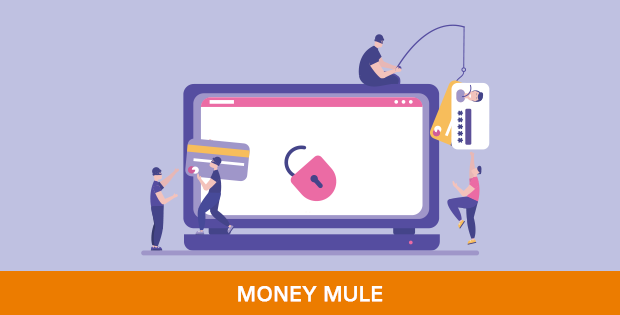
- Be cautious of anyone approaching you with an offer of commission or rewards to receive funds into your bank account. Be alert for any offers to receive funds related to employment which you have not applied for.
- If you are worried you may have inadvertently become involved in muling, immediately contact the appropriate authorities, and your bank
Red flags for Money Muling
- Unsolicited job offers involving rewards / commissions for transferring funds on behalf of a third party.
- Job offers promising significant earning potential for little effort - remember if an offer sounds too good to be true, it probably is
- Emails offering commissions / rewards are poorly written / grammatically incorrect
- The email address associated with the offer uses a web-based service (Gmail, Yahoo!, Hotmail, etc.) instead of an organisation-based domain.
- Any third party offering commissions for moving funds on behalf of someone else. The person requesting may state that they have temporarily lost access to their bank account, or that they are travelling and cannot access funds, or other reason.
- There is often a crossover between romance scams and muling, where fake profiles are created to dupe victims into believing they are in a relationship with someone online, with victims then being persuaded to send funds on behalf of the person they are communicating with online.
Vishing
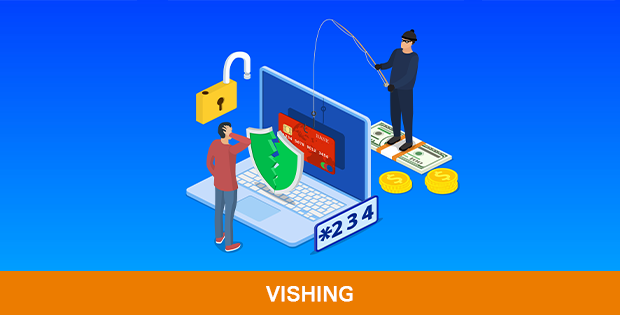
- If you receive a call from anyone saying they are from your Bank or another official organisation such as a telephone/utility provider, HMRC, Home Office or Law Enforcement, confirm that you will call them back. Any genuine caller will be comfortable with this. Be particularly vigilant if contacted by anyone mentioning there are possible security issues with your debit card or bank account. Take note of any pressure/threats as this is a sign of a scam. Once you disconnect the call, proceed to call back only via the official numbers shown on a genuine website, written on previously received official correspondence or on the back of your debit card/bank statement. Do not call the number back that has called you.
- The moment you suspect it's a vishing phone call, don't feel obliged to carry on a polite conversation. Simply hang up and block the number.
- Never provide any personal information via an SMS or phone call.
- Never install any app or remote software on your smart phone/device at the request of any caller.
- You may also report any incident to Report Fraud or your bank if you have any concerns about vishing.
Spoofing
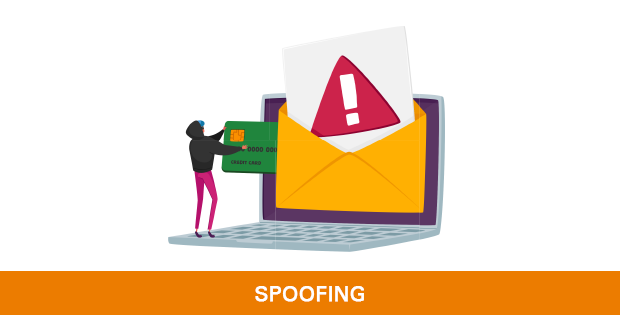
- ICICI Bank will never send emails that ask for confidential information. If you receive an email requesting your Internet Banking security details e.g. PIN, password or account number, you should not respond.
- Check for the padlock icon: There is a de facto standard among web browsers to display a padlock icon somewhere in the window of the browser. Click (or double-click) on it in your web browser to see details of the site's security. Microsoft Edge places the icon at the far left of the address bar.
- Check the webpage's URL. When browsing the web, the URLs (web page addresses) begin with the letters "http". However, over a secure connection, the address displayed should begin with "https" - note the "s" at the end.
- Don’t click on “login” or “verify/update your account” links in any unrecognised emails. Always open a new window and use the Bank’s official page to log into your account
- In case you've provided your financial or personal information to someone who you later suspect is a scammer, immediately call us at 0344 412 4444 (if you are in the UK) or +44 203 478 5319 (if you are outside the UK) and ask about blocking fraudulent transactions and/or blocking future payments.
- You may also report incidents to Report Fraud at https://www.reportfraud.police.uk/ and other institutions with whom you have accounts.
Smishing
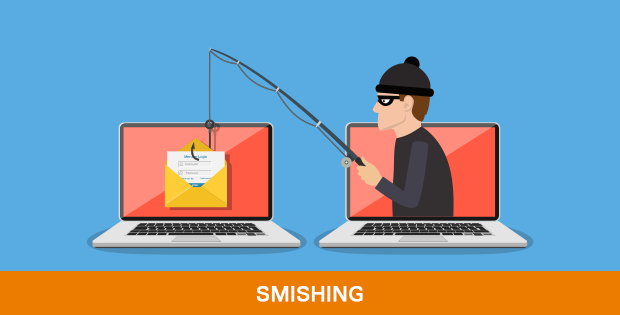
SMSs are sent to victims advising them that their accounts are compromised or telling them to open new accounts. SMSs are also sent purporting to be a retailer offering discounts or gift vouchers, or HMRC informing potential victims that they are due a tax refund. Victims are then duped to click on links embedded within the SMS.
Tips to protect yourself from Smishing attacks:
- ICICI Bank will never send an SMS requesting confidential information. Do not respond to any SMS requesting security information such as a PIN, password or account number. If you have any doubts about any SMS you have received, contact your Bank or other account provider.
- Never click on links embedded in an SMS.
- Tell us about suspicious emails that contain our name or logo or SMS messages that ask for confidential information. Forward the original email to us at reportphishing@icicibank.com.
- Check accounts regularly to check your account activity and update passwords regularly.
- If you suspect you have provided any financial or personal information to someone who you later suspect is a scammer, immediately call us on 0344 412 4444 (if you are in UK) or +44 203 478 5319 (if you are outside the UK) and ask about cancelling fraudulent transactions and/or blocking future changes.
- You may also report your incident to Report Fraud at https://www.reportfraud.police.uk/ and other institutions with whom you have relationships.
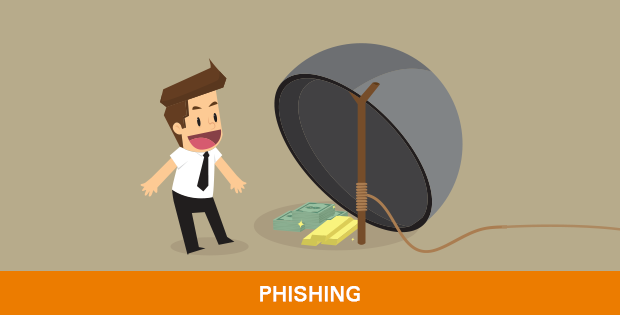
Phishing
How to identify an email Phishing attempt?
- Unsolicited emails asking for confidential banking details, using pressure / coercion or mentioning security issues to persuade you to take urgent action.
- There are links in emails to apparently genuine websites - check the legitimacy of the website by rolling the cursor over the link or check for https:// where “s” stands for ‘secure site’.
- Fraudsters will impersonate genuine email addresses, domain names, logos, etc to give an authentic look to fake emails.
- Fake emails will always use a generic salutation e.g "Dear Banking Customer". Your bank's authentic emails will always address you by your name e.g. "Dear Mr. Suresh Kumar". Be alert also for poorly written emails with spelling or grammatical mistakes.
- Fake emails will always encourage you to click on to a link to verify or update confidential account information. The embedded links may look authentic but when you move the cursor/pointer over the link, there may be an underlying link/URL to a fake website.
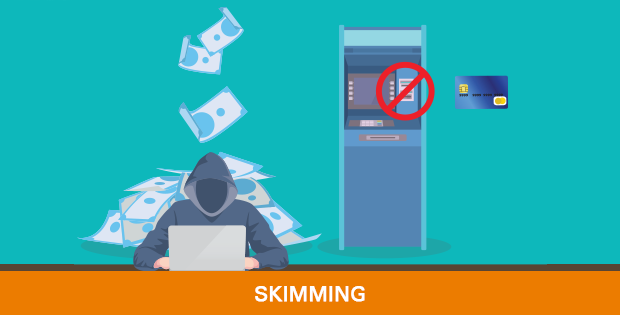
Skimming
Tips to protect yourself from skimming
- Stand close to the ATM and cover the keypad when entering your PIN. Maintain a safe distance between yourself and other ATM users.
- If you see anything suspicious, or the keypad feels different, stop your transaction and inform the bank
- Do not use any ATM if it appears anything is inserted into the card slot. Cancel the transaction, inform your bank, and never try to remove suspicious devices
- Be cautious of anyone trying to distract you at an ATM.
- Keep your PIN a secret. Never reveal it to anyone, even to someone who claims to be calling from your bank or a police officer
Additional tips for staying safe
- If you detect any usual activity in your account, call us immediately on 0344 412 4444 (f in UK) or +44 203 478 5319 (if outside the UK) and report any fraudulent transactions so we can add appropriate blocks on your account or card
- You can also contact Report Fraud via https://www.reportfraud.police.uk/
Cheque Book
Cheque Book Tips
- Keep your cheque book in a safe place
- Maintain record of all cheques issued and reconcile with your account statements on a regular basis
- Do not sign a blank cheque. Always enter the name of the receiver, date and amount. Cross out any blank spaces
- If you lose or misplace your cheque book or a leaf, report it to us immediately by calling 0344 412 4444 (Calls to this number use free plan minutes if available, otherwise they cost the same as 01/02 prefix calls. Phone line open 24/7) or write to ukservice@icicibank.com
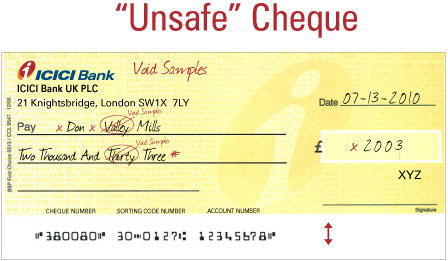
- Do not write/sign/mark/pin/staple/paste/fold on above band
- Do not leave extra spaces between words or figures
- Avoid making alterations. Instead, write a new cheque.
- Always draw a line through any unused space
